Frequently Asked Question
Double-Sided Scanning on HP LaserJet M476dn
Last Updated 11 years ago
(Steps will need to be done anytime double-sided scanning is needed)
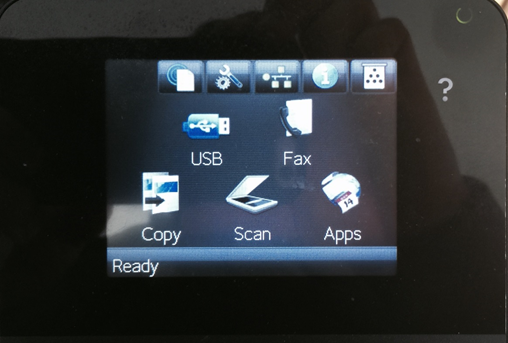
1. On the home screen press the “Scan” icon.
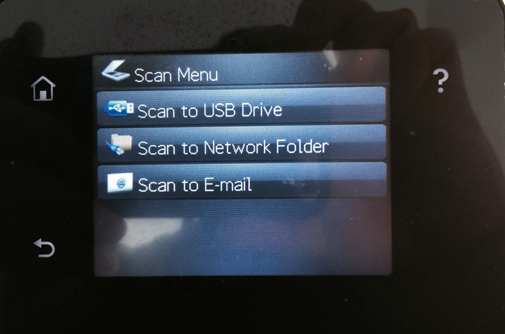
2. Press the “Scan to Network Folder” option.
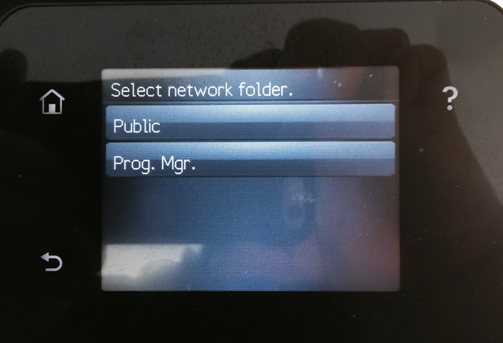
3. Press on the location where you like the scanned document to be saved on the server.
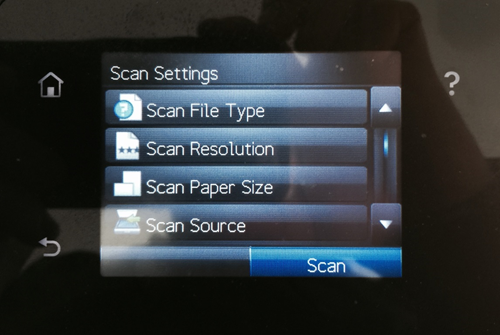
4. Next press the “Scan Source” option.
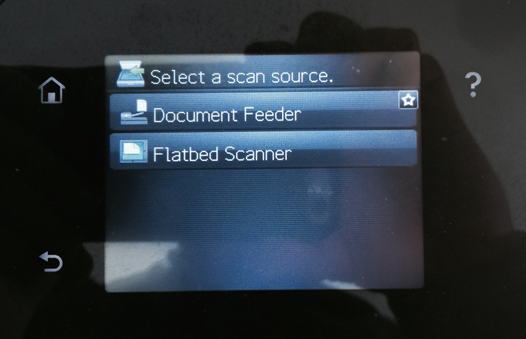
5. Next choose where you are scanning from (generally this would be the document feeder which is on top of the printer).
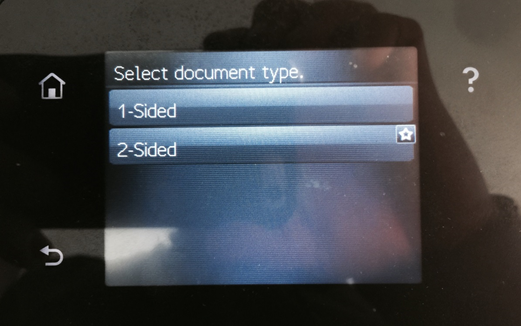
6. Next press the “2-Sided” option.
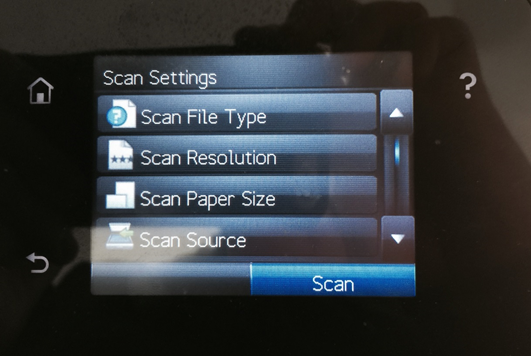
7. After you choose “2-Sided” it will go back to the main scan screen and you can press the “Scan” option to scan double-sided.
8. Done!
1. On the home screen press the “Scan” icon.
2. Press the “Scan to Network Folder” option.
3. Press on the location where you like the scanned document to be saved on the server.
4. Next press the “Scan Source” option.
5. Next choose where you are scanning from (generally this would be the document feeder which is on top of the printer).
6. Next press the “2-Sided” option.
7. After you choose “2-Sided” it will go back to the main scan screen and you can press the “Scan” option to scan double-sided.
8. Done!